Practical answers for choosing a source, shaping an angle, and editing a GTA 6 reaction without confusing the original video with the creator cut.
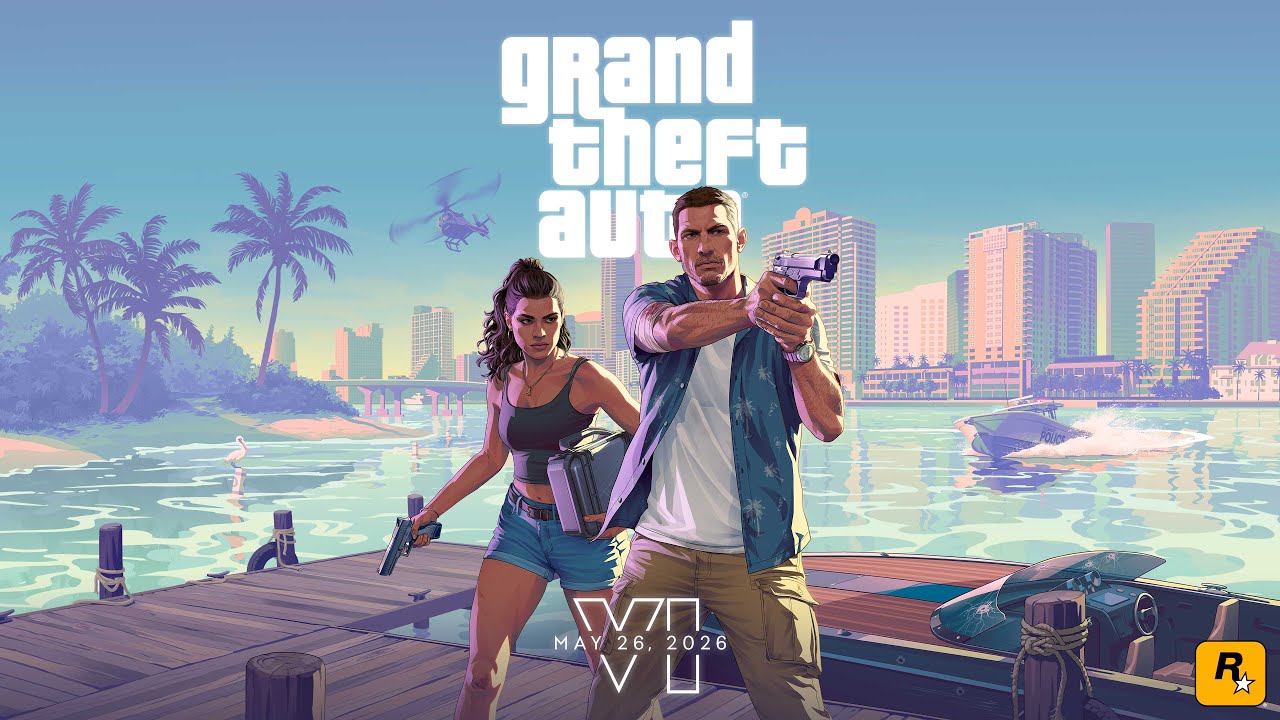
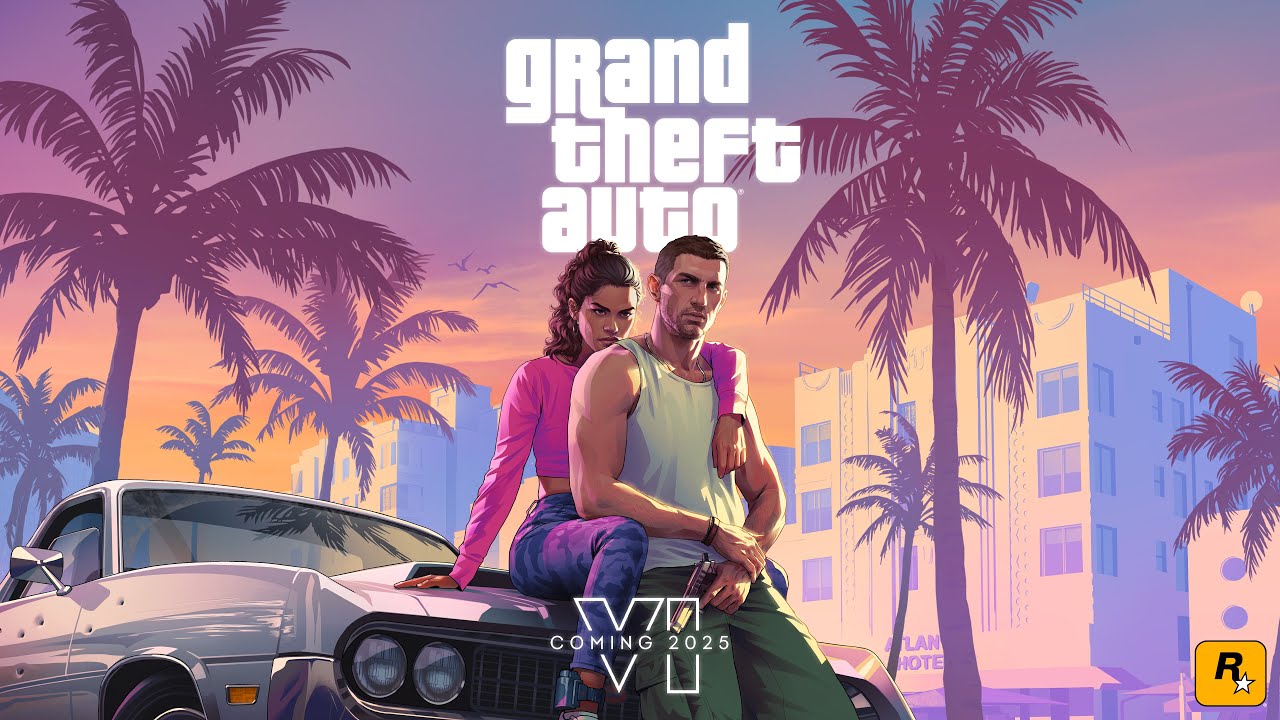
Choose the release that matches your angle. The latest Extended Look suits current gameplay and world-detail reactions; Trailer 2 and Trailer 1 work well for comparisons, callbacks, and prediction videos. Keep the source title visible so viewers know which release prompted your reaction.
Useful formats include a first-view reaction, a group watch, a trailer breakdown, character or world-detail analysis, comparisons across the three official releases, and short vertical cuts built around one reveal. A specific point of view is more memorable than trying to cover every detail in one upload.
Import the source recording and your camera take into Vatt. Auto-sync aligns the two recordings, and detected reaction moments give you starting points on an editable timeline. Review the alignment and every final cut before export.
At this page’s latest verification, YouTube restricted the Extended Look to its own watch page. Vatt keeps the verified Rockstar source visible instead of disguising a broken embed. Trailer 2 and Trailer 1 can still play directly in the source player above.
No. Vatt helps you edit; it does not grant footage rights, decide fair use, or guarantee claim-free publishing. Review Rockstar’s posting policy and YouTube’s copyright guidance, use only material you are authorized to use, and get qualified legal advice when your situation is unclear.
Vatt Editorial verifies each public post URL, creator and provider identity, and its relevance to the latest official source. The collection intentionally mixes distinct YouTube and TikTok creators. It is an editorial sample, not a popularity ranking, and it does not preserve fast-changing view or like counts.