Understands Long Footage
Shots, speech, silence and emotion signals are indexed into a readable timeline map — up to three hours per recording, so a full movie or stream becomes something you can navigate.

Vatt is a desktop AI editor for reaction videos. It reads recordings up to three hours long, finds the moments that matter, and drafts real edits — every cut, layout, caption and effect stays an editable clip you can keep, change or undo.
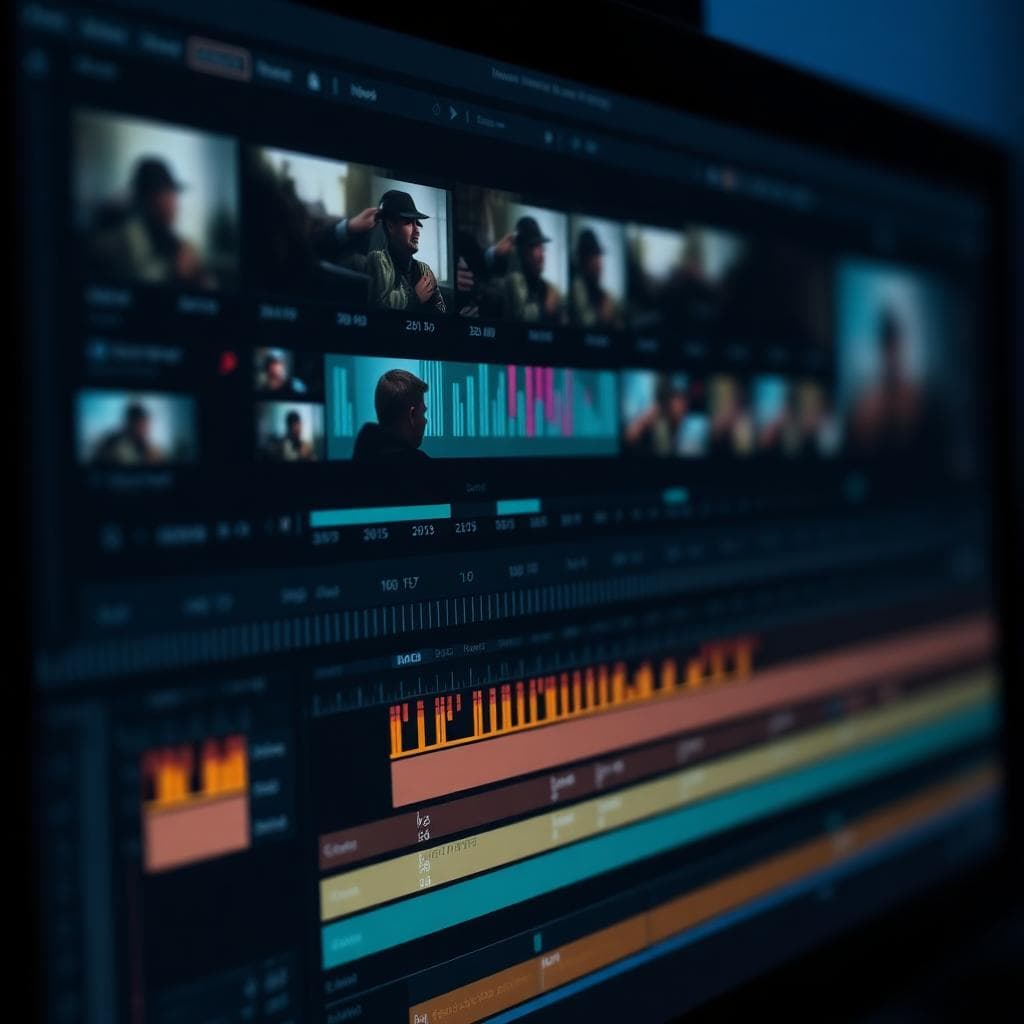
Most AI video tools produce something for you. Vatt works on what you already recorded — it reads your footage, drafts the cut, and gives the timeline back.
Shots, speech, silence and emotion signals are indexed into a readable timeline map — up to three hours per recording, so a full movie or stream becomes something you can navigate.
Vatt detects laughs, gasps, shock and excitement, then ranks candidates by emotion confidence so the strongest reaction beats surface first.
Picture-in-picture, side-by-side, stacked and cut-away layouts respond to speech, silence and source events. Every layout change is an editable clip on the timeline.
Vatt is not a one-click generator. The AI produces a first cut; you refine timing, layout, text and audio by hand, work on a selected range only, or undo the whole pass.
Everything else in Vatt exists to support these three. They are the reason a reaction edit that used to take an evening can be shaped in one sitting.
Vatt identifies which track is the source and which one is you, then lets the layout follow the conversation instead of a fixed template. Picture-in-picture when the source carries the scene, creator-first when the take carries the moment, cut-away when you stop to talk.
Laughs, gasps, shock, excitement and tension are detected and ranked by emotion confidence, so the strongest beats surface first instead of being scrubbed for. From the same pass, Vatt can pull a later high-energy moment to the front as a cold open.
Select two clips that both contain audio and run Audio Align — Vatt calculates the offset and applies it, so you never match waveforms by hand. It is something you trigger, not something that silently happens on import.
Remove dead air without flattening the reaction.
Eleven modules covering the whole reaction workflow. Everything listed is available today — items marked "Depends on footage" work, but the result varies with recording quality and analysis. Anything not yet shipped is listed separately below.
67 capabilities 11 modules
Screen, face-cam, microphone and system audio — recorded together, kept apart on the timeline.
Capture the full screen, a single window or a chosen region.
Record the creator's camera alongside the source playback.
Capture commentary and room sound.
Record the audio the computer is playing back.
Screen, camera and microphone captured in one session.
Source and face-cam stay separate, editable tracks after recording.
Bring in local video, audio, images or whole folders.
Import many reaction or source files at once.
Vatt reads the recording before it edits it — the foundation everything else on the timeline rests on.
Full movies, streams and long gameplay sessions can be analysed.
Hours of raw footage become a readable map of shots, speech and energy.
Transcribe both creator commentary and source dialogue.
Detect laughs, gasps, shock, excitement and tension.
Vatt knows which track is the source and which one is you.
Identify cuts and scene changes in the source footage.
Flag silent and low-activity stretches for cleanup.
Measure how loud each track actually runs across the timeline.
One of the slowest parts of a reaction edit, handled by calculation instead of waveform dragging.
Select two clips that contain audio and Vatt calculates and applies the offset — no manual waveform matching. You trigger it; it does not happen on import.
Source, creator and audio placed into a clean, labelled track structure.
Delete a time range across tracks together so everything downstream stays aligned.
A first pass that makes the footage shapeable — without flattening the reaction.
Describe the cut you want and get an editable first pass.
Apply the same cut or cleanup across many selections.
Reduce steady noise sitting under the commentary track.
Bring commentary and source to a consistent level.
Source or music drops automatically when you start talking.
The reason Vatt exists: knowing when a reaction actually happens, and what to open with.
Surface laughs, gasps, shock and excitement automatically.
Candidates ordered by emotion confidence, strongest beats first.
Detected peaks appear as markers on the selected clip.
Pull a later high-energy moment to the front of the video.
Several candidate openings drawn from the full recording.
Identify where you stopped the source to comment or analyse.
Layouts follow the conversation — and every layout change is still a clip you can move.
Resizable creator window over the source.
Source stays primary while the reaction stays visible.
Promote the creator when the take carries the moment.
Source and creator at equal weight.
Top-bottom stack for vertical delivery.
Multiple creators or feeds on screen at once.
Switch between full-source and full-creator on the timeline.
Layouts respond to speech, silence, source events and reaction peaks.
Every layout change is a visible, adjustable clip — not a baked template.
Right effect, right moment, right intensity — not a blanket effects pass.
Push in on your face at the peak of the reaction.
Guide attention to an expression or a detail in the source.
A short shake on high-energy beats.
Choose light, medium or strong emphasis.
Effects proposed by reaction type and intensity.
Creative visuals over a reaction beat, added as timeline clips.
Words and graphics that reinforce the moment, all editable on the timeline.
Captions generated from recognised speech.
Adjust text, timing, position and style directly on the timeline.
Rhythmic emphasis on the words that carry the beat.
Kinetic text for shock, laughter and commentary.
Titles, overlays, lower thirds and explanatory graphics.
A consistent text, graphic and effect language across a series.
Commentary, source, music and SFX coordinated around who is talking.
Both your commentary and the source stay clearly audible.
Source or music drops under your voice on cue.
Mute or restore source audio over any range.
Music holds under speech and rises between beats.
Fade in and out of clips and transitions.
Impact, comedy, crowd, pop and glitch sound design.
One project, the canvas your platform needs, and export settings you control.
Long-form YouTube delivery.
Shorts, TikTok and Reels framing.
Square feed delivery.
Choose resolution, frame rate, container format and codec on export.
The trust layer — you can always see what the AI changed, and change it back.
AI cuts, layouts, captions, audio and effects are all ordinary editable objects.
Roll the timeline back to before a specific AI pass.
Adjust timing, layout, text, audio and effects after the AI pass.
Describe the change you want in plain language.
Ask the AI to work only on the range you selected.
Read what the AI changed and where it changed it.
An editor. Vatt works on the recording you already made instead of inventing footage. It reads the material, drafts the cut, and returns a project timeline rather than one finished file you cannot open up.
Up to three hours of footage per recording. That covers a full movie reaction, a long stream segment or a multi-episode session without splitting the project.
Yes — that is the point. Every cut, layout change, caption and effect lands on the timeline as a normal clip. You can drag it, trim it, delete it, redo a pass on a selected range only, or undo the whole pass and keep the rest.
It indexes shots, speech, silence and emotion signals across the recording, then ranks reaction candidates by confidence, so the strongest laughs, gasps and shock beats surface first instead of you scrubbing the timeline.
No. Audio Align works on any pair of clips that both contain audio: it calculates the offset and applies it, so you are not dragging waveforms until they look right. It is something you trigger, not something that happens silently on import.
Vatt is a desktop application for macOS and Windows. It is not a browser tool, and access is currently invite-based.
Bring the recording. Vatt reads it, drafts the cut, and hands the timeline back — every AI decision still yours to keep, refine or undo.
Movie Reaction: Commentary-First Editing.
Vatt can rebuild a movie reaction around your commentary instead of continuous source playback, and show you how much source the finished cut actually uses. This is not Content ID avoidance, and it is not a fair-use judgement.
AI Commentary-First Edit
Coming soonRebuild the reaction around the commentary rather than around uninterrupted source playback.
Source-Usage Overview
Coming soonSee how much of the finished cut is source footage before you export it.
Source-Free Watch-Along
Coming soonProduce a version with no source footage at all. This is a format, not a safety guarantee.
Source Audio Mute / Restore
Coming soonMute or restore source audio across any range of the timeline.
Vatt can automate commentary-first editing and help creators review source usage, but it cannot determine fair use or guarantee monetisation, claim-free publishing, or freedom from takedowns.